

Service Accounts
Service Accounts are required to push images and interact with the GameFabric REST API.
Managing Service Accounts
To manage Service Accounts, navigate to the Access Management section of the UI, and select the Users/Groups page.
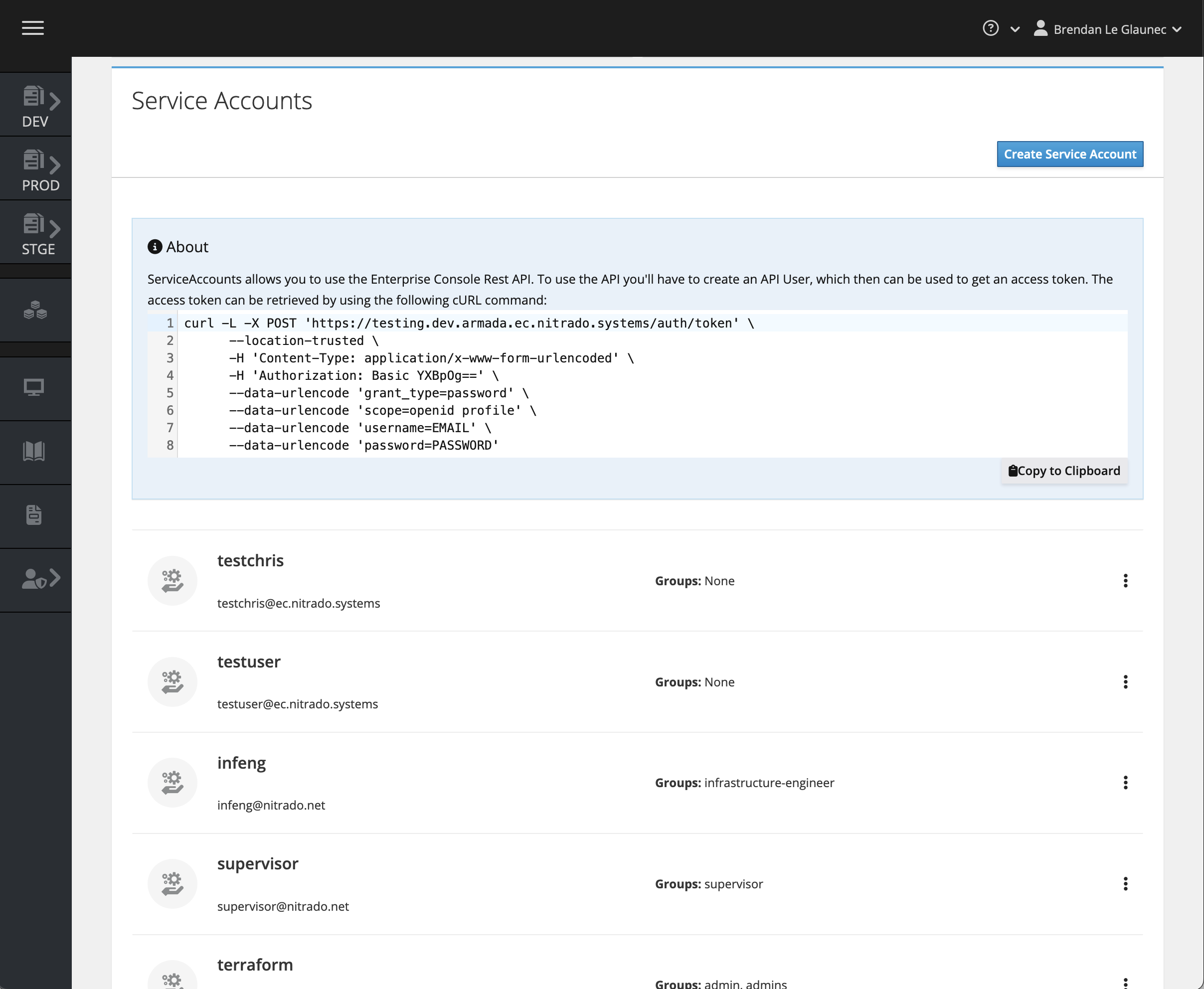
Click the Create Service Account button at the top right of the Service Accounts box.
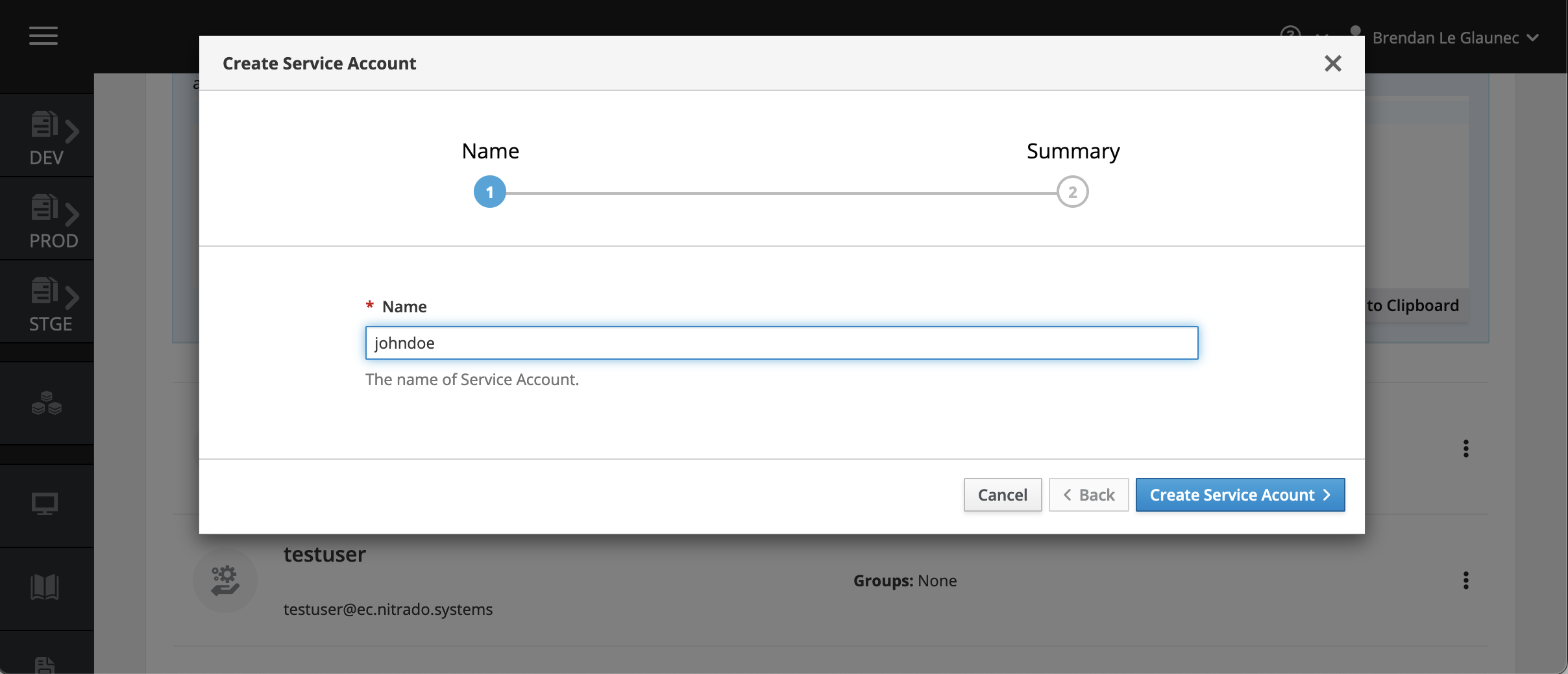
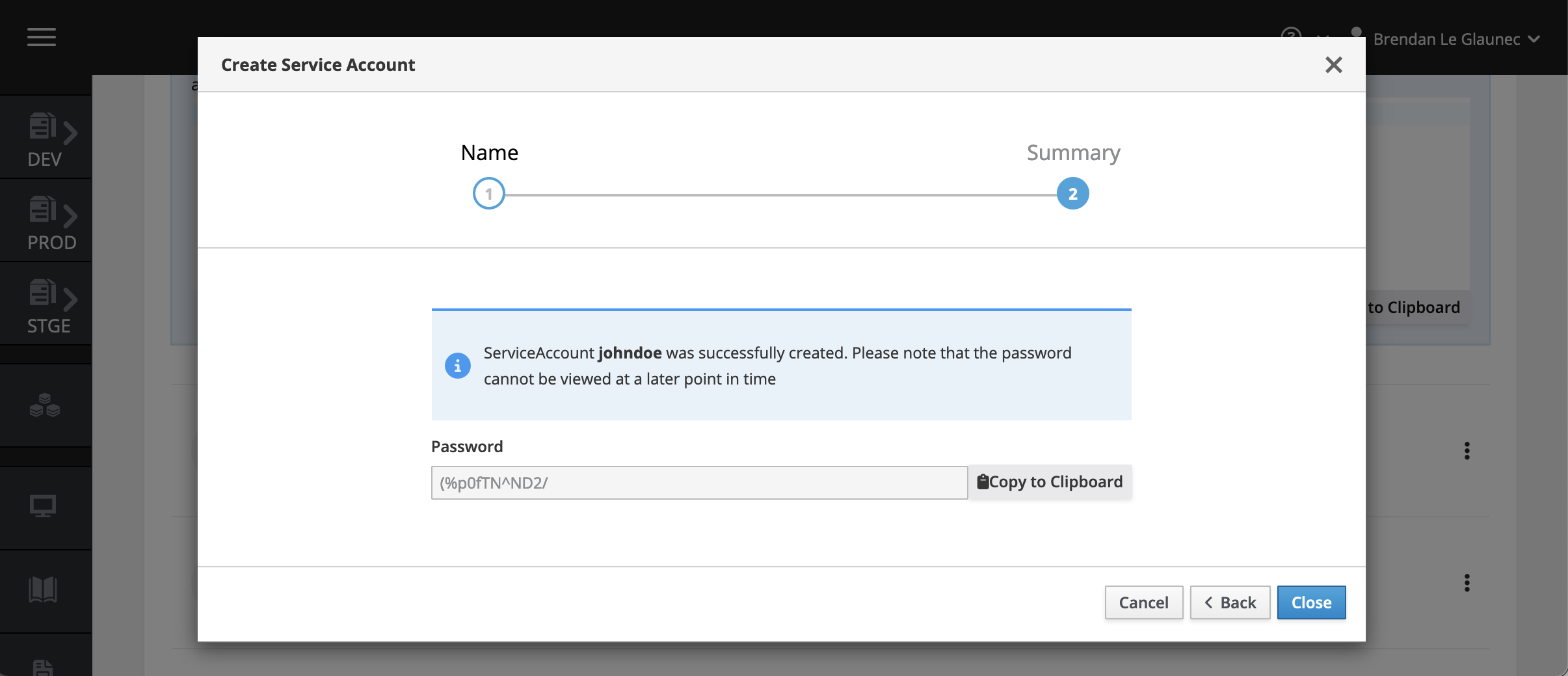
The first step prompts you to define the username for that Service Account. Once confirmed, the account is created and a password is generated. Make sure to copy this password, as it is not shown again.
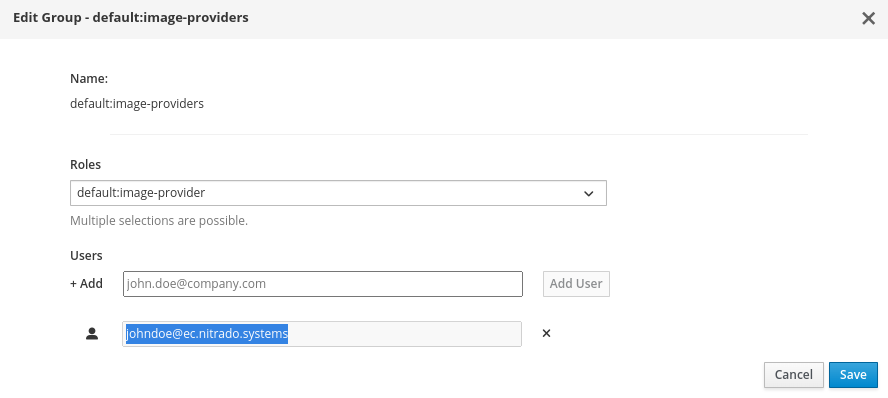
Service Accounts need permissions. To use a Service Account for pushing container images, edit the default:image-providers group and add the full identifier of the new Service Account to it:
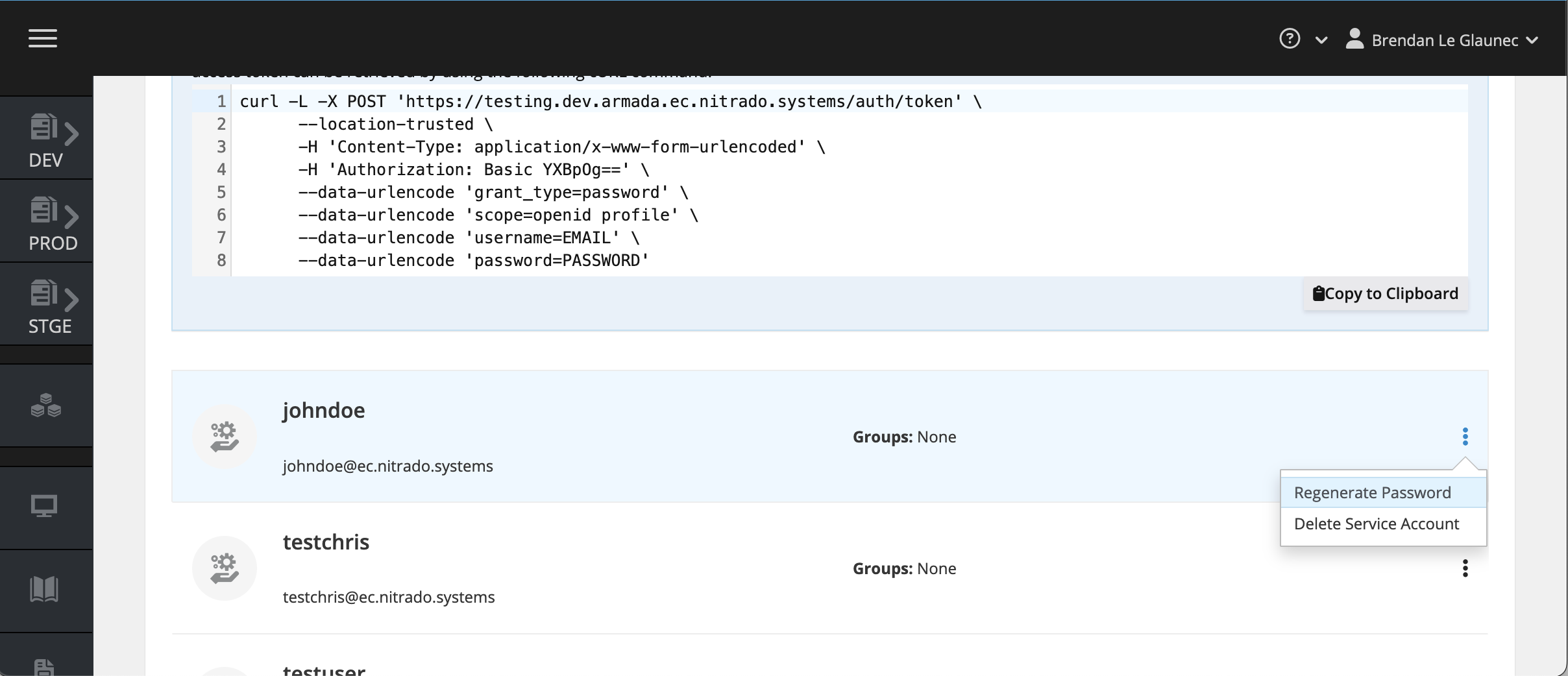
If you lose the password for a Service Account, reset it by clicking the Regenerate Password button next to your Service Account.
Pushing Docker images to the registry
Note the username and password for your Service Account, and use them to log in as described in the Pushing Container Images guide.
Making API requests
To access the GameFabric REST API, create a Service Account and use it to generate an access token. Replace your credentials and the host name in the following command:
curl --silent -L -X POST "https://${GAMEFABRIC_URL}/auth/token" \
      --location-trusted \
      -H 'Content-Type: application/x-www-form-urlencoded' \
      --data-urlencode 'client_id=api' \
      --data-urlencode 'grant_type=password' \
      --data-urlencode 'scope=openid email profile' \
      --data-urlencode 'username=${EMAIL}' \
      --data-urlencode 'password=${PASSWORD}'
Use the generated access token in the Authorization header of your API requests:
Note: The access token is only valid for 24 hours. After it expires, generate a new token using your Service Account credentials, or use a refresh token (by including the
offline_accessscope).
curl -X 'GET' \
     "https://${GAMEFABRIC_URL}/api/armada/v1/armadagameserverstates" \
     -H 'accept: application/json' \
     -H "Authorization: Bearer ${TOKEN}"
API Documentation
For detailed API specifications and available endpoints, see: